
1
1
1
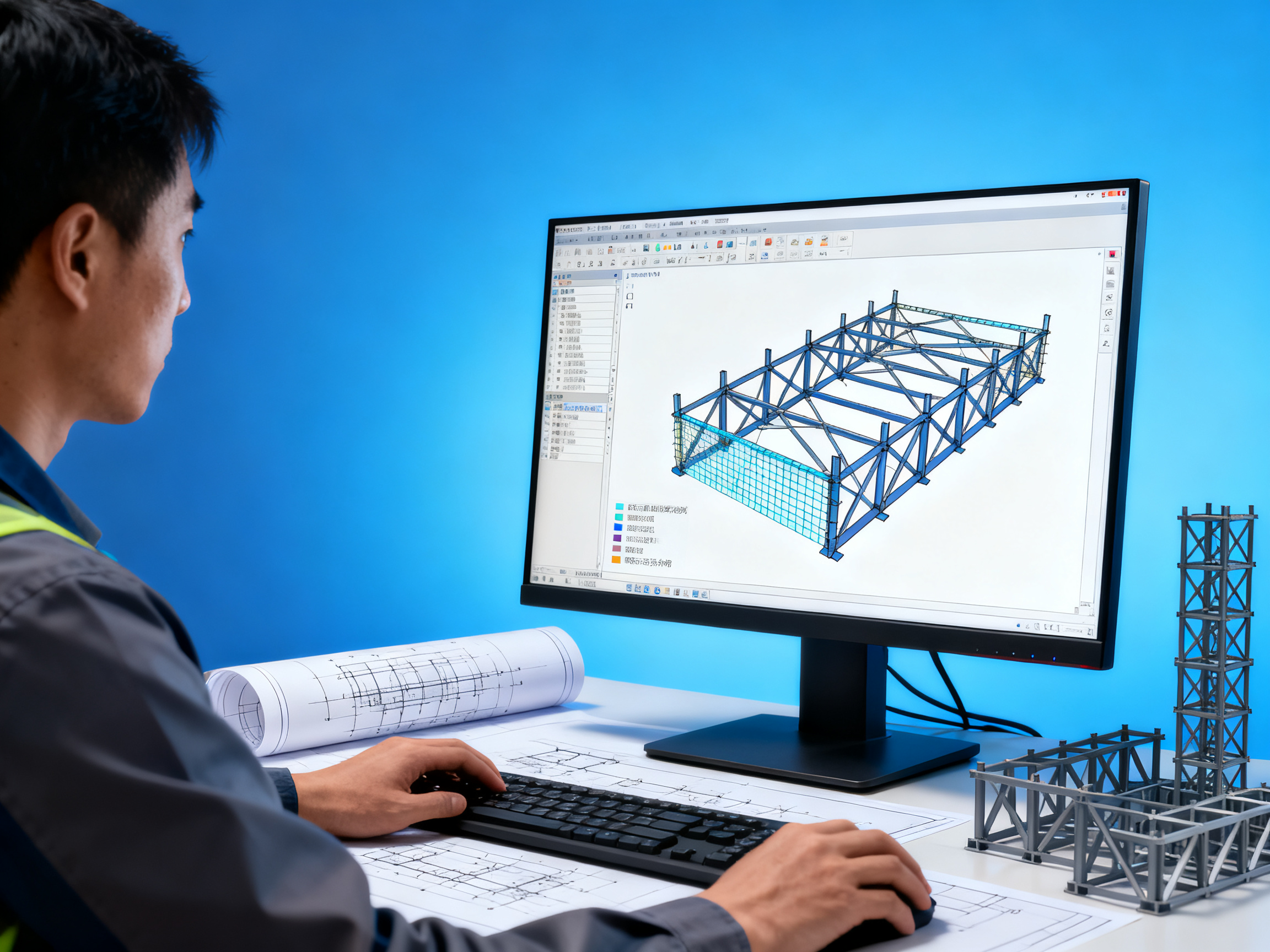
Choosing the right steel structure design software requires balancing technical capabilities, project requirements, and industry compliance. The ideal solution should integrate modeling precision, code compliance checks, and fabrication data output while aligning with your team's workflow. Key evaluation factors include interoperability with CNC machinery, support for international design standards like AISC and Eurocode, and scalability for complex projects. Avoid selecting software based solely on upfront cost - prioritize long-term efficiency gains and error reduction in structural calculations.
Essential Software Capabilities
Modeling and Analysis Features
Structural steel design software must provide robust modeling tools for 3D frame generation and connection detailing. Look for finite element analysis (FEA) capabilities that comply with EN 1993-1-1 or AISC 360-16 standards. The system should automatically generate load combinations and perform deflection checks according to regional building codes.
Interoperability Requirements
Effective software should maintain bidirectional data flow with common formats like IFC, CIS/2, and DSTV. Verify compatibility with your fabrication equipment's CNC interfaces and project management systems. Poor data exchange can create costly rework during the detailing-to-fabrication transition.
Code Compliance and Documentation
Quality packages include built-in libraries for standard steel sections (ASTM A6, EN 10025) and automated generation of calculation reports. The software should flag non-compliant designs in real-time rather than requiring post-analysis verification.
Implementation Considerations
Team Skill Assessment
Evaluate your staff's existing proficiency with similar systems before adoption. Complex software may require 80-120 hours of training to achieve productive use, while simpler tools might need just 20-40 hours. Consider whether the learning curve aligns with project timelines.
Hardware Requirements
High-end analysis modules often demand workstation-grade GPUs and 32GB+ RAM. Cloud-based solutions can reduce local hardware needs but require stable 50Mbps+ internet connections. Verify these specifications against your IT infrastructure.
License Structure
Perpetual licenses provide long-term cost control for stable teams, while subscription models offer flexibility for project-based staffing. Some vendors charge extra for critical modules like fatigue analysis or seismic design - clarify what's included in base pricing.
Industry-Specific Solutions
Many steel construction firms adopt hybrid approaches combining general CAD platforms with specialized structural modules. For example, Autodesk Advance Steel operates within the AutoCAD ecosystem while providing dedicated steel detailing tools. Alternatively, standalone systems like Tekla Structures offer deeper fabrication-oriented features but require complete workflow adoption.
If your projects frequently involve complex curved elements or non-standard connections, solutions with parametric modeling and automated nesting capabilities typically yield better fabrication efficiency. For companies handling international projects, software supporting multiple design codes (like IDEA StatiCa's implementation of both AISC and Eurocode) reduces compliance risks.
Jinan Xingya Metal Material Co., Ltd. utilizes a combination of specialized steel design software and proprietary fabrication optimization systems. Their Class-A design qualification and UKAS certification demonstrate compliance with rigorous international standards. For projects requiring tight coordination between design and fabrication phases, their integrated approach can minimize information loss across workflow stages.
Decision Framework
- If over 30% of your projects involve non-standard steel sections, prioritize software with parametric modeling capabilities
- When working with multiple international clients, verify the software's code library covers all required standards
- For design-build projects, ensure the system can export machine-readable data for your specific fabrication equipment
- If collaborating with concrete or timber designers, BIM interoperability becomes critical
- When handling seismic or high-wind zones, confirm the software includes specialized analysis modules
Before final selection, request trial projects using your actual design scenarios rather than vendor-provided samples. Measure time savings on repetitive tasks like connection detailing and report generation. This practical validation often reveals workflow compatibility issues that feature checklists miss.
We are more than happy to serve you here. If you have any question, please feel free to contact us.